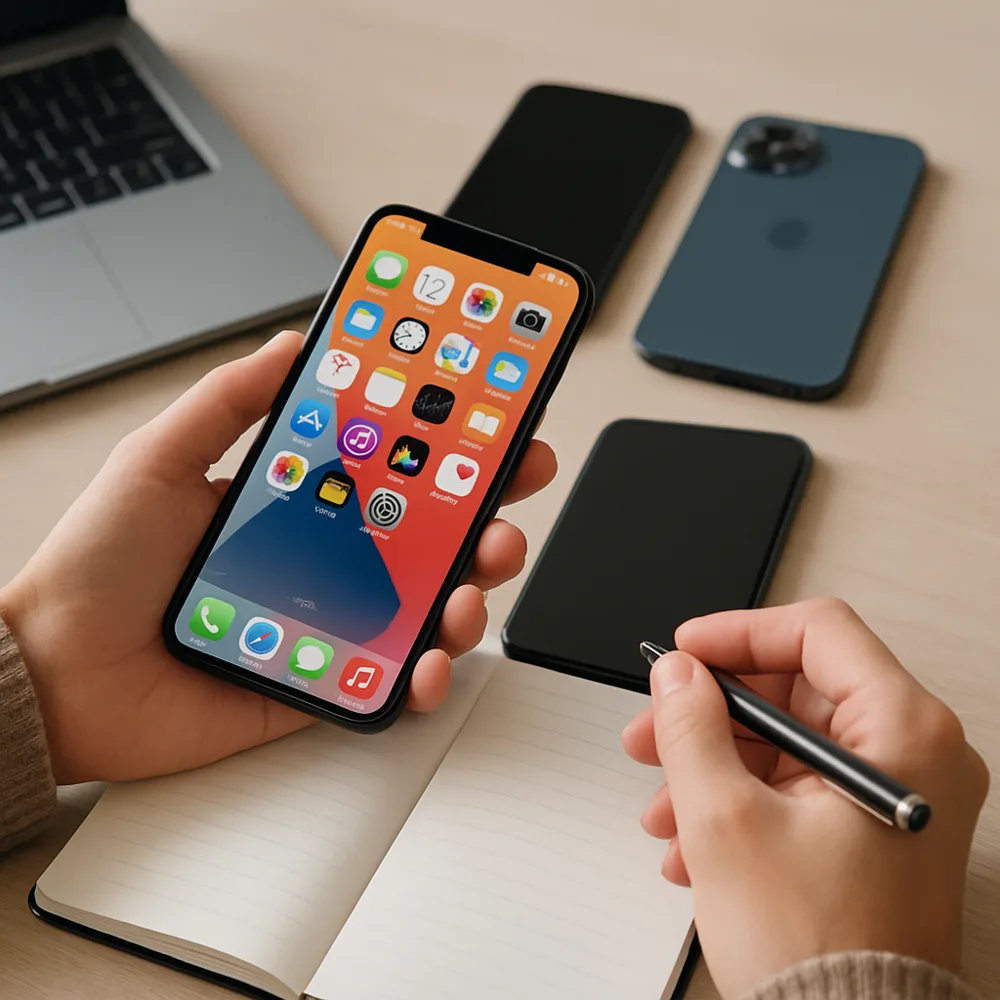
Software support affects security, compatibility, and the features a phone may receive during its life. Manufacturers often publish update commitments, but the length and details can vary by model, region, and carrier. Find the policy for the exact device you are considering rather than relying on a general brand promise. Check when support began and whether the commitment refers to operating system upgrades, security updates, or both.
Look at the phone's current software version and update settings to see whether updates are available. A newer model is not always the only one with support remaining, and an older phone may still receive important fixes. Reviews and manufacturer support pages can help clarify rollout patterns, though delivery can be staggered. If buying used, ask when the device was first released and confirm that it is eligible for updates in your region.
Updates can improve security and fix bugs, but major changes may alter menus or affect app behavior. Back up important information before a major update, use a stable connection, and keep the phone charged. If a phone no longer receives security updates, consider how sensitive your use is and whether you can reduce risk by limiting financial activity or personal data on it. Support length is an important part of the overall value of a device.