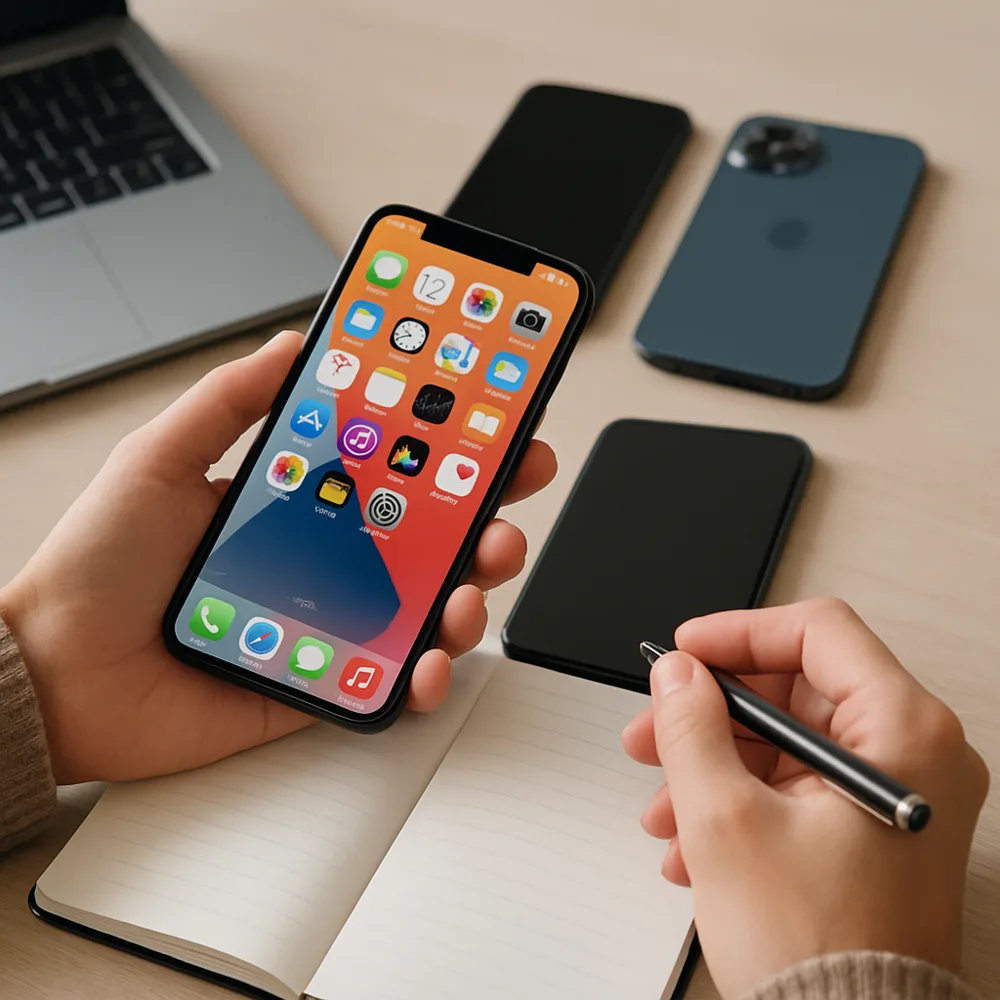
Before buying a used phone, confirm the exact model and make sure it works with your carrier and preferred network. Ask the seller to remove their account and disable any activation lock before you pay. A phone that remains linked to someone else's account may be unusable, even if it looks perfectly functional. Check whether the device is reported lost or blocked through the appropriate carrier or device-checking service in your region.
Inspect the screen, frame, camera lenses, buttons, charging port, and speakers in good light. Look for cracks, uneven gaps, moisture indicators if accessible, and signs of poor repairs. Test touch response across the whole screen, take a few photos, play audio, connect to Wi-Fi, and try charging with a suitable cable. Check battery condition where the phone provides that information, while remembering that software estimates are not a full diagnostic.
Ask about repair history, included accessories, proof of purchase, and any return period or warranty. Compare the total cost with a refurbished option that offers stronger buyer protection. Avoid rushed deals, unusual payment requests, and sellers who will not let you verify the device. Once you buy it, erase it yourself, install available security updates, and set it up with your own account and a secure screen lock.