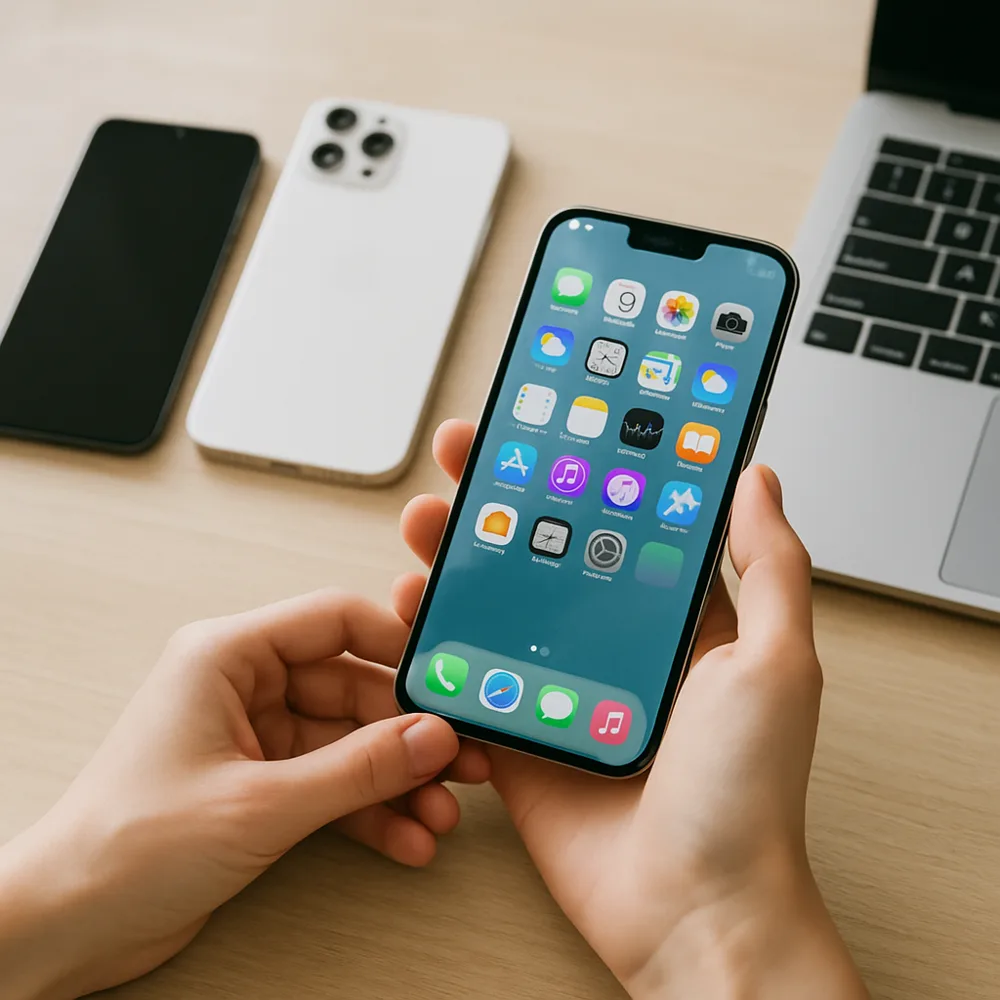
Start with the permissions your apps use. In settings, review access to location, microphone, camera, contacts, photos, and nearby devices. Choose the narrowest option that still lets each app work as intended, such as allowing location only while in use when available. Some phones also show a privacy dashboard or indicators when an app accesses sensitive features, making it easier to spot unexpected activity.
Protect the device itself with a strong screen lock and keep the operating system and apps updated. Review what appears on the lock screen, especially message previews, one-time codes, and private notifications. Use a unique password for important accounts and enable an additional sign-in check where available. A trusted password manager can help you avoid reusing credentials, which limits damage if one service is compromised.
Be cautious with links, unexpected attachments, public charging accessories, and apps from unfamiliar sources. Check the developer and requested permissions before installing anything, and remove apps you no longer use. Privacy settings cannot prevent every form of tracking, and the exact controls differ between phones, but regular reviews make it easier to understand what information is shared. If you lose a device, use the platform's official tools to locate, lock, or erase it.